


 Silentchic
PHONE INSPECTION CAMERA
See before you decide
Silentchic
PHONE INSPECTION CAMERA
See before you decide
For the spaces you cannot see directly
See What’s Hidden Before You Make Your Next Move.
Route a slim, illuminated camera into narrow or dim spaces and view the live image on your compatible phone.
Reach farther. See closer.16.4 ft semi-rigid cable
Check the fit before you inspectA stated 7.9 mm probe, 8 adjustable LEDs, and 1920×1440 image and video capture.
Plan the inspection with confidenceConfirm your phone, opening size, and cable route.

When guessing is not enoughA better view of the unseen
Route. View. Decide.One compact tool. A clearer next step.
16.4 ft stated reach
8 adjustable LEDs
Phone-connected live viewing
🎁Last Day Promotion 50% OFF🔥16.4ft HD Endoscope Camera for iPhone & Android
🎁Last Day Promotion 50% OFF🔥16.4ft HD Endoscope Camera for iPhone & Android
Regular price
$29.99
Regular price
$29.99
Sale price
$68.00
Unit price
per
Couldn't load pickup availability

🎁Last Day Promotion 50% OFF🔥16.4ft HD Endoscope Camera for iPhone & Android
Regular price
$29.99
Regular price
$29.99
Sale price
$68.00
Unit price
per


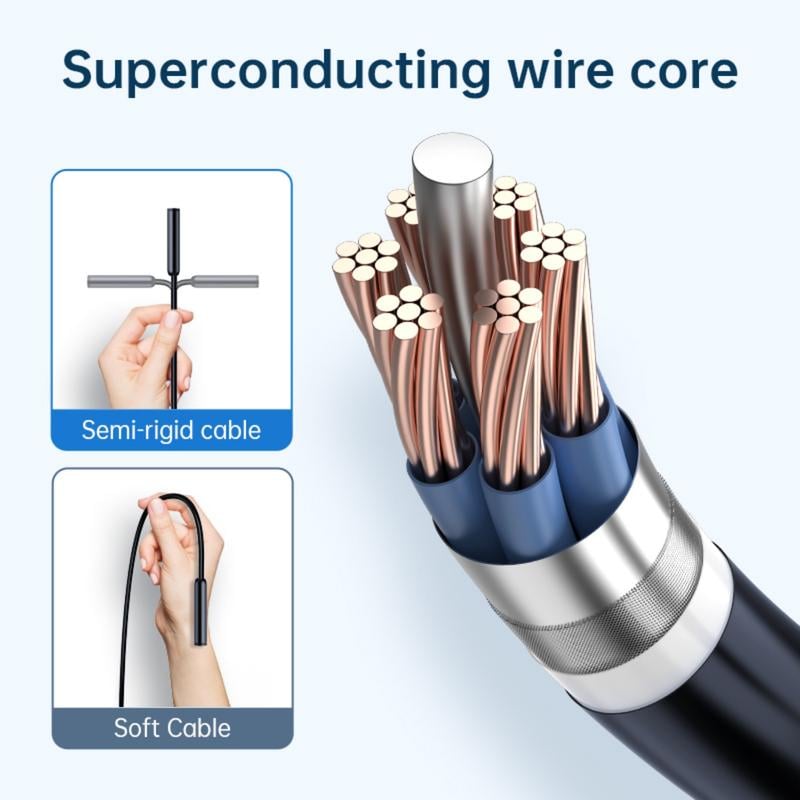
See the Inspection Camera Up Close
Camera and included accessoriesSwipe to explore →
7.9 mm camera probe

8 adjustable LED lights

Stated IP67 camera cable rating

Adapters and inspection accessories

One phone-connected inspection setup.
Check the Fit Before You Inspect.
Phone compatibilityConfirm your device, port, operating system, and app requirements before purchase.
Space and routeMeasure for the stated 7.9 mm probe and plan for the 16.4 ft cable route.
What’s includedCamera cable, Lightning and micro-USB adapters, hook, magnet, mirror, protective hood, and manual.
You need to see the space before deciding what to do.
When the Problem Is Out of Sight
A narrow, dark, or damp space can turn a simple next step into guesswork.
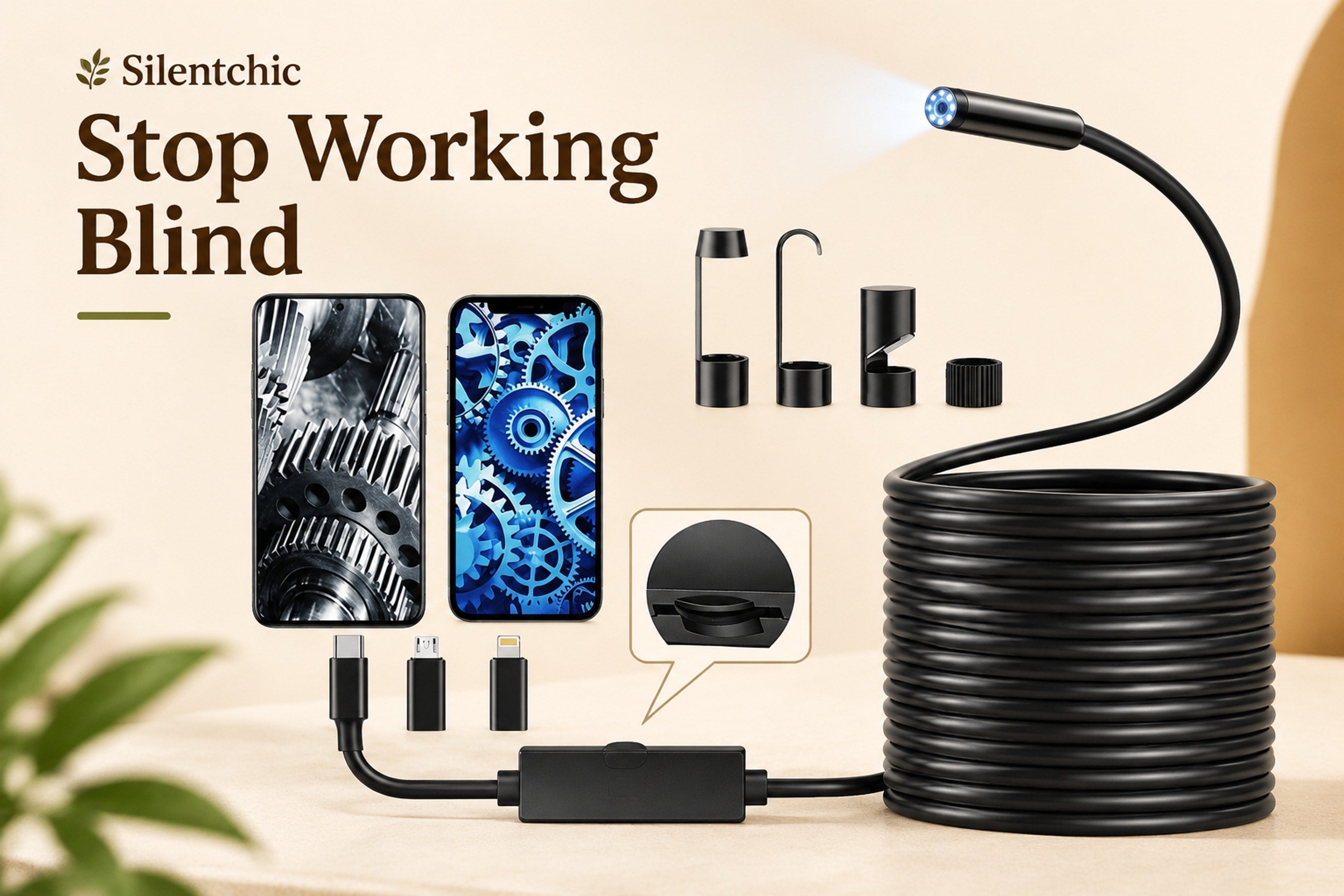
More visibility. Less guesswork.
Use your phone to get a closer look where eyes and hands cannot reach.
Blind inspection
You can only estimate what is around a corner, behind a panel, or down a tight opening.
A hard-to-see space
Without a visual check, it is harder to decide what to investigate next.
One more guess
A closer look helps you approach the next step with more information.

Guesswork is not a view
When a space cannot be seen directly, a camera can help you inspect it first.
The practical reason
See Before You Decide.
Route a slim illuminated camera into an unseen space and check the live image on your phone.
A practical view for places that stay out of sight.Connect. Route. Look closer.
Your phone becomes the screen for a closer inspection.
Meet the Silentchic Phone Endoscope Camera
Reach Further. Look Closer.
A 16.4 ft semi-rigid cable carries a 7.9 mm camera probe into narrow routes while your phone displays the live view through the manual-directed app.
Check the opening and route before you buy.
Start with the fit
Measure the opening you want to inspect.
Confirm that a 7.9 mm probe and 16.4 ft route suit your space.
Bring in adjustable light
A clearer view in darker areas
Eight adjustable LEDs are stated to support viewing when ambient light is limited.
Inspect with more context
A live look before the next move
Capture stated 1920×1440 images and video while inspecting hard-to-see areas.
The Silentchic inspection view
Route. Illuminate. Inspect.
Details built for a closer look
Made for Narrow, Dark, and Damp Inspection Areas.
A 16.4 ft semi-rigid cable, 7.9 mm probe, adjustable LEDs, and listed inspection accessories work together in one phone-connected tool.
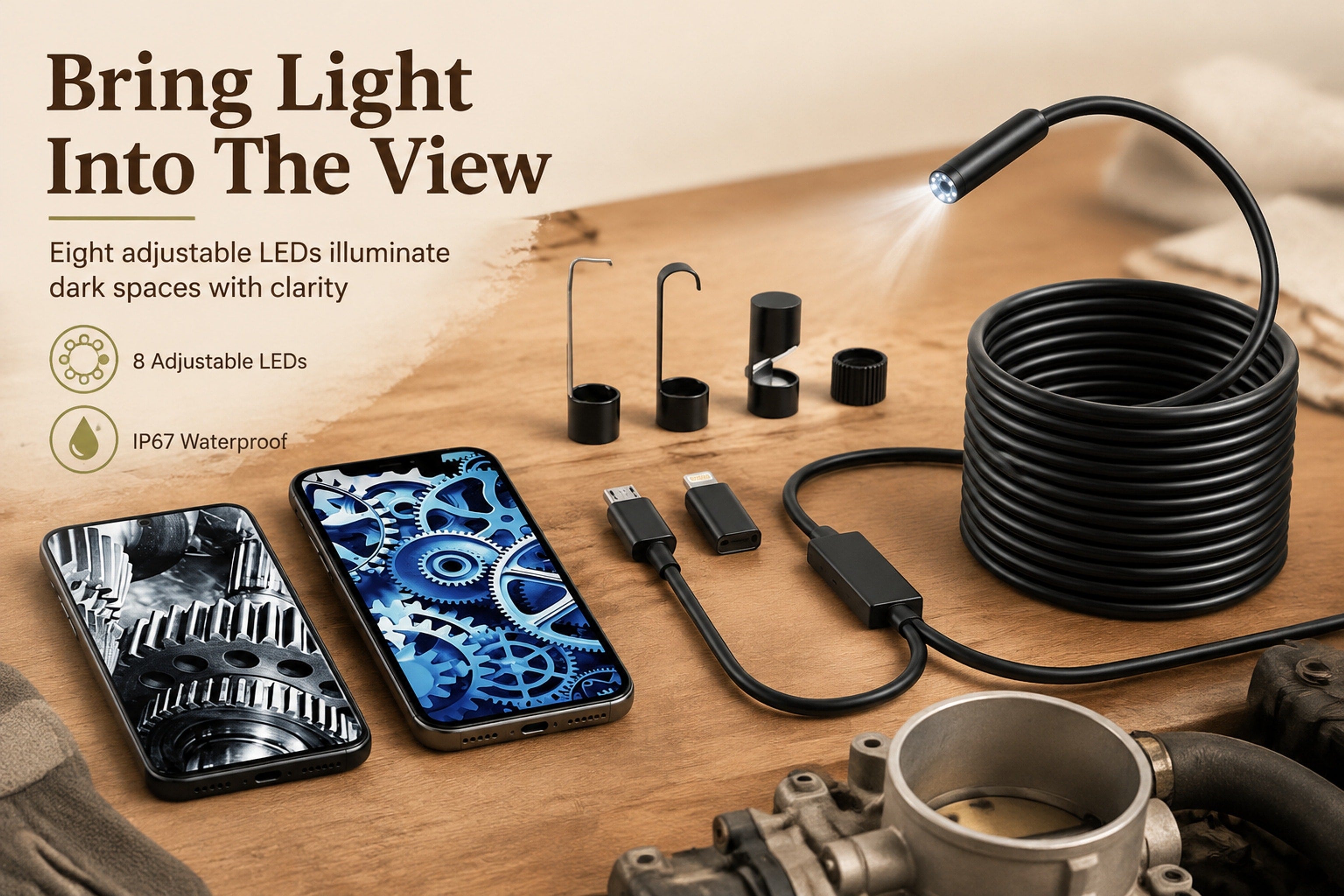 Long cable, slim probe, adjustable LEDs, and useful accessories.
Stated cable reach
Plan the route and confirm the 16.4 ft length suits the area you need to inspect.
Adjustable LED lights
Eight stated LEDs help support viewing in darker work areas.
IP67 camera cable rating
The camera cable is stated as IP67 waterproof; confirm suitability for your specific conditions.
Accessories for inspection
Package contents list a hook, magnet, mirror, protective hood, adapters, and manual.
Get a closer look before choosing your next step
Turn an Unseen Space Into a Live Phone View.
The same hard-to-reach area. A more informed place to start.
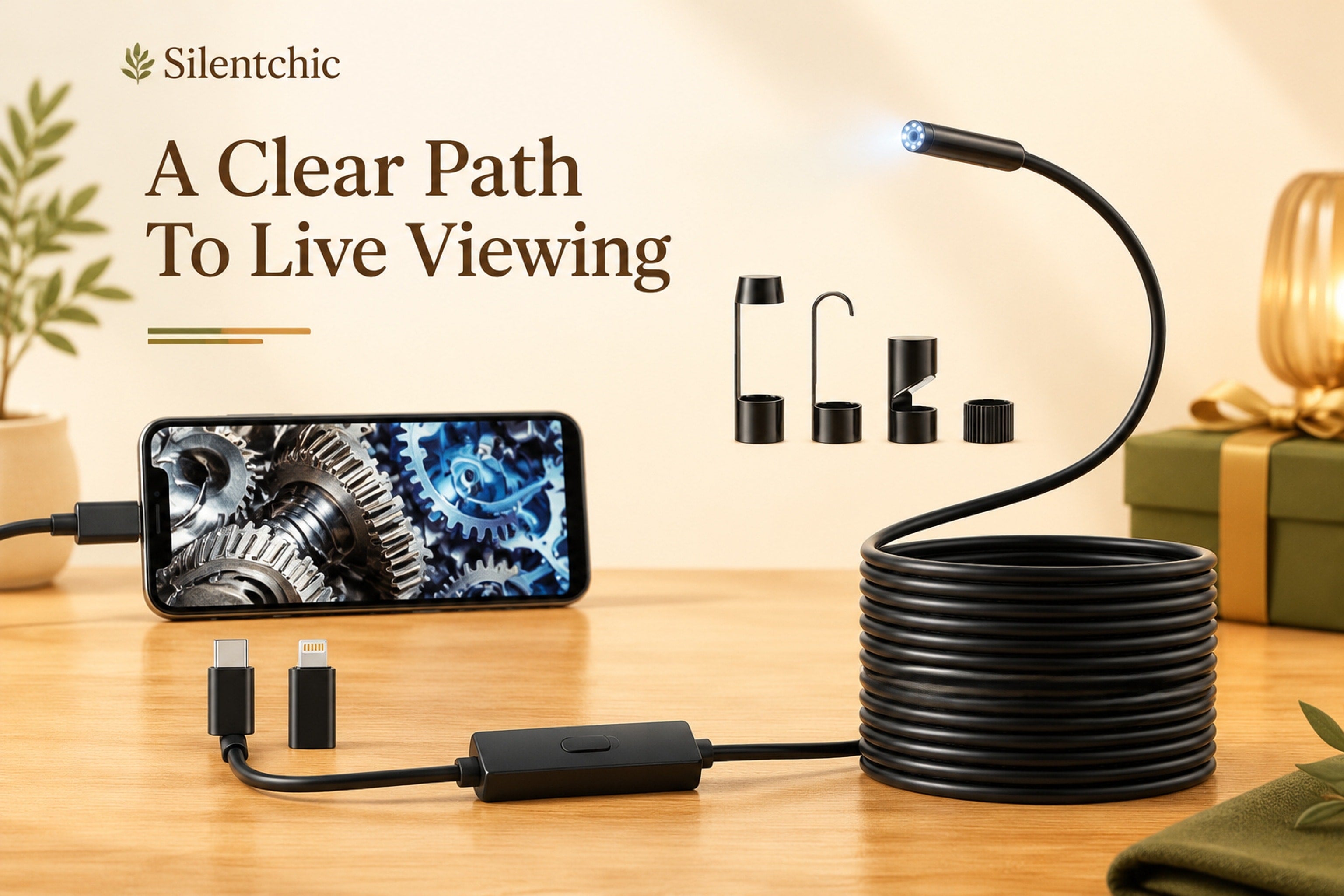 Before the camera
An unseen space.
You may be left estimating what is around a bend, behind a surface, or down a narrow route.
With a phone-connected view
Route the camera. Check the image.
A live visual check can help you assess what is visible before deciding what to do next.
Phone endoscope selection guidePhone fit, space fit, and included tools
How to set up your view
Inspect in 3 Straightforward Steps.
Check compatibility, connect as directed, then guide the camera into the area you want to view.
Connect the camera cable and applicable adapter, install the manual-directed app, then view the live image on your phone.
- 1
Check phone compatibility
Confirm your device, port, operating system, and app requirements before connecting.
- 2
Connect and install
Attach the cable and applicable included adapter, then follow the manual to install the app.
- 3
Route and view
Guide the camera along the planned route and use the live phone image to inspect the visible area.
A closer look starts with a careful fit check.Measure the route and opening before starting an inspection.
Easy to pack. Ready when you need a closer look.
Route. Adjust. Inspect.
A practical inspection tool stays ready when the cable, probe, and connectors are handled carefully between uses.
Plan the route first
Check the opening size and route length before guiding the 7.9 mm probe into a tight space.
Clean after use
Wipe the probe and cable gently with a soft cloth after inspection, then allow them to dry before storing.
Store without sharp bends
Coil the 16.4 ft cable loosely and keep the adapters and accessory heads together in a dry place.
See size and product details
This is what it is really for
A Clearer Look Before the Next Step.
When a space is too narrow, dark, or awkward to see directly, a live view on your phone helps replace uncertainty with a closer look. Inspect what is there, then decide what to do next.A closer look can change your next move
See the Space Before You Decide.
Route a slim, illuminated camera into an out-of-view area and check the live image on your compatible phone.
- ✓Inspect narrow spaces with more confidence
- ✓Use the 16.4 ft cable to plan a visual check before acting
- ✓Keep a practical tool on hand for home projects and hobby work

“
The space may be out of sight. Your next step does not have to be a guess.
Reach designed for tight routes
Long Cable. Slim Probe.
The stated 16.4 ft semi-rigid cable and 7.9 mm camera probe give you two useful fit checks: route length and opening size.
See cable and probe details ↗Light for darker inspections
Adjust the View as You Go.
Eight adjustable LED lights are stated to support viewing in darker work areas while the camera captures images and video at 1920×1440 resolution.
Explore camera details ↗A bundle with a purpose
Accessories for the Inspection.
The package lists Lightning and micro-USB adapters, plus a hook, magnet, mirror, protective hood, and manual for different inspection setups.
See what is included ↗Your phone-connected inspection camera
One Clearer Look at What Is Out of Sight.
A 16.4 ft semi-rigid endoscope camera designed for app-based phone viewing in narrow, dark, or damp inspection areas.
Choose With a Clear Fit Check.
Three practical checks to make before ordering.
PHONE CHECK
Confirm Your Device Setup
Verify your phone model, port, operating system, and the manual-directed app requirements. Included Lightning and micro-USB adapters are listed.
SPACE CHECK
Measure the Opening and Route
Compare the opening with the stated 7.9 mm probe diameter and plan the cable path before purchase.
CONDITION CHECK
Plan for the Inspection Area
Eight adjustable LED lights support darker viewing, and the camera cable is stated to carry an IP67 rating.
When the fit checks match your task, use the camera to inspect the space before deciding what to do next.
Choose Your Inspection CameraProduct price, availability, and applicable shipping terms are displayed at checkout.
Know exactly what you are choosing
Practical Details, Clearly Explained.
This is a phone-connected endoscope camera. Setup is described as connecting the cable and applicable adapter, then installing the app directed by the manual for live viewing.
- ✓Stated 1920 × 1440 image and video capture with 8 adjustable LED lights
- ✓Listed package includes Lightning and micro-USB adapters, hook, magnet, mirror, protective hood, and manual
- ✓Camera cable is 16.4 ft / 5 m, semi-rigid, with a stated 7.9 mm probe diameter
Please confirm device compatibility, the opening size, and your planned cable route before adding to cart. For product questions, contact Silentchic through the store contact page.
Choose With ConfidenceQuestions to ask before choosing your inspection camera
Still deciding if this camera fits your task?
Review the key fit, setup, and package details before you order.
Check your phone and inspection spaceWill this endoscope work with my phone?+
The product is described for iPhone and Android use and includes Lightning and micro-USB adapters. Please confirm your phone port, operating system, app requirements, and case clearance before purchase.
How slim is the camera probe?+
The stated probe diameter is 7.9 mm. Measure the opening you need to inspect and allow room for the cable to pass without forcing it.
How far can the camera reach?+
It includes a stated 16.4 ft (5 m) semi-rigid cable. Check both the route length and bends in the path before choosing it for a specific space.
Can I use it in dark areas?+
The camera is described with eight adjustable LED lights to support viewing in darker inspection areas. Actual visibility depends on the space and surface conditions.
Is the camera cable waterproof?+
The camera cable is stated to carry an IP67 waterproof rating. This does not define suitability for every liquid, depth, duration, or environment; use care and follow the manual.
How does the phone viewing setup work?+
Connect the camera cable with the applicable adapter, install the app directed by the manual, then view the live image on your phone. Check compatibility before ordering.
What comes in the package?+
The listed package includes the 16.4 ft endoscope camera, Lightning and micro-USB adapters, hook, magnet, mirror, protective hood, and manual.
What are the hook, magnet, and mirror for?+
They are included inspection accessories that can help with positioning, viewing around an area, or attempting to reach an item. Their effectiveness depends on the inspection setup.
Can I record images or video?+
The product description states 1920 × 1440 image and video capture. Storage, app functions, and device requirements should be confirmed for your phone before use.
Is this intended for professional or safety-critical work?+
This is a phone-connected inspection tool for visual checks. It is not presented as a substitute for qualified service, diagnosis, or safety-critical equipment.
Who can help with product or order questions?+
Use the Silentchic contact page for product or order support. Review current checkout details and store policies before placing your order.
Help before and after your order
Have a question about fit or setup?
Ask about the stated specifications, included accessories, or your order. We are here to help you make an informed selection.
Contact the Silentchic support team A clearer inspection starts with the right fit for your phone and the space you need to check.